
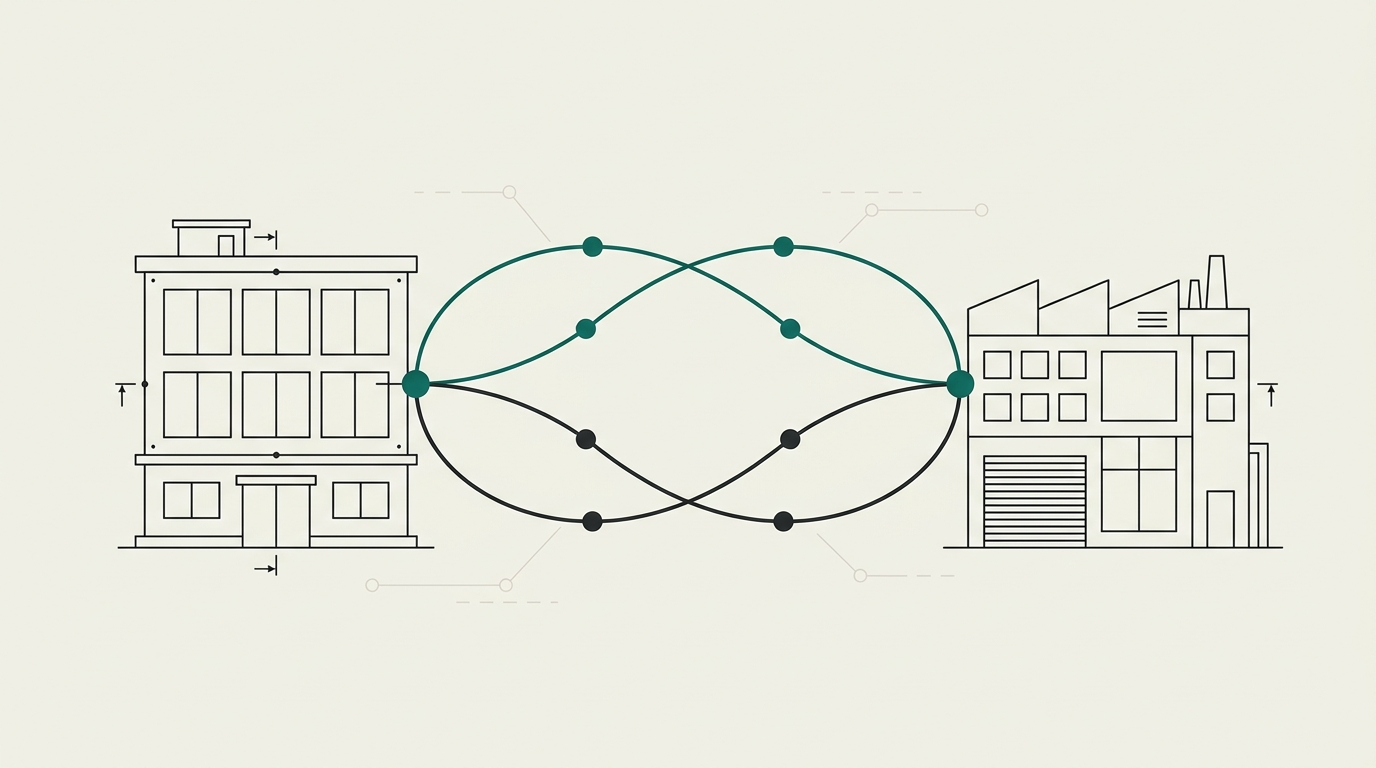
What a digital dental lab actually is
A digital dental lab is defined by its loop, not its equipment. Cases arrive as files, get designed in CAD, and return as milled or printed restorations verified against the original scan. Owning a scanner or a mill does not make a workflow digital. Closing the loop between capture, design, production and seat does.
The practical test: can a case move from intraoral scan to final restoration without a physical impression, a manual re-entry of patient data, or a phone call to reconcile which file version is current? Most labs and clinics are partway there. The remaining gaps are what this guide is about.
The full digital workflow, scan to seat
Intraoral scan. The clinician captures the prep, opposing arch and bite. Margin clarity, tissue management and scan-body placement on implant cases decide most of what happens downstream.
Portal or transfer. The case moves to the lab through a scanner-vendor portal, a lab-management system, or email attachments. This is where most labs first meet fragmentation (see below).
CAD design. A technician opens the case in exocad, 3Shape or a comparable system. On implant cases they load the matching library for the scan body, abutment and analog. Margins, contacts and occlusion are designed against the opposing scan.
CAM. The design is nested and produced — milled from zirconia, lithium disilicate or a hybrid material, or 3D printed for models, surgical guides, denture bases, appliances and try-ins.
QC. The restoration is checked on a printed model or against the digital design: margins, contacts, occlusion, screw-access on implants.
Seat. The clinician tries in, adjusts if needed, and cements or torques. Every adjustment is a signal about an earlier step in the loop.
Read this alongside our CAD/CAM dentistry guide for the equipment and cost view of the same workflow.
Where the workflow breaks
Three fault lines account for most stalled cases. None of them are anyone in the loop's fault. They are structural.
Portals
A typical lab receives cases through six to eight separate vendor portals plus email. Each portal has its own login, file naming and case-notes convention. Some labs employ a full-time administrator whose job is to move files from one system into another.
Today
Connected
Six portals plus email — or one loop. Some labs employ a full-time admin just to move files.
Libraries
Over 300 implant systems are in clinical use, each with its own scan bodies and library files across exocad and 3Shape. Mismatches — a library that will not load, a scan-body revision that does not match, a missing printable analog — stall real, revenue-bearing cases. See our implant libraries reference for the failure modes and fixes.
Skills
There are more than 45,000 open dental technician roles in the United States, and the workforce has contracted roughly 30% since 2004. Digital design skill in particular is scarce. Every workflow that assumes an always-available in-house designer runs into this.
For dentists: how to choose and work with a digital lab
A short, practical checklist. Ask a prospective digital lab, and yourself:
- Scan protocols. Which scanners and file formats do you accept? What is your margin capture standard? Who reviews scans before design starts?
- Chairside margin review. Can we look at the scan together before the patient leaves the chair? Rescanning is minutes; a remake is a rebooked appointment.
- File formats and libraries. Which implant systems do you support and with which library versions? How do you handle a system you have not seen before?
- Turnaround. Standard turnaround for single units, bridges, and implant work? How is a rush case priced and prioritised?
- QC ownership. Who owns first-time fit? What happens when a case comes back for adjustment — is the cause tracked and fed back into the workflow?
If a lab cannot answer these clearly, the answer to "why did this crown need adjustment?" will not be clear either.
For labs: going digital without the chaos
Buy for interoperability first. A scanner, mill or design system that only works well inside its own vendor stack will define your case mix by what it excludes. Prefer systems that accept open file formats, export to open formats, and are supported by more than one training source.
Two questions to ask any vendor before signing: which of my existing tools does this integrate with today, and what happens to my cases if I switch away in three years. Vague answers are the answer.
Design capacity is the second constraint. In-house designers are hard to hire and harder to keep. A hybrid model — in-house for routine work, on-demand CAD design as a service for overflow and complex cases — is usually more resilient than either extreme.
Build it, buy it, or connect it
Three broad strategies exist for a clinic or lab that wants a working digital loop.
- Build it in-house. Own the scanner, design software, mill and printer. Highest control, highest fixed cost, and dependent on hiring and retaining digital-design skill.
- Buy it fully outsourced. Send every case to a single external lab or platform. Simplest to manage, but the outcome depends entirely on one supplier's roadmap.
- Connect it. Keep the lab and partners you trust. Add a connective layer that handles the parts of the workflow that fail most often — implant libraries, cross-platform files, design overflow, case QC.
Occlaris is the third option. We do not replace your lab or your systems. We make them work together, case by case, with one accountable point of contact.
Library sources by implant system
Where the official exocad and 3Shape libraries live for eight widely used implant systems — plus third-party coverage, scan-body notes and documented pitfalls, every fact source-linked.
- Straumann BLX / BL (Bone Level)
- Nobel Biocare Conical Connection (NobelActive / NobelParallel CC)
- Astra Tech Implant System EV
- Zimmer Tapered Screw-Vent (TSV)
- BioHorizons Tapered Internal
- Neodent Grand Morse
- MegaGen AnyRidge
- Osstem TS / Hiossen ET
Full index on the implant libraries reference.
Frequently asked questions
What is a digital dental lab?
A digital dental lab receives cases as digital files rather than physical impressions, designs restorations in CAD software such as exocad or 3Shape, and produces them by milling or 3D printing. The label describes the workflow, not the ownership of any one machine.
Do I need to replace my lab to go digital?
No. Most clinics keep the lab they trust and add digital handoffs — intraoral scans, agreed file formats, chairside margin review. Replacing a lab because of workflow friction usually moves the friction rather than removing it.
Why do digitally-made crowns still come back for adjustment?
The mill is rarely the cause. Adjustments trace back to scan quality at the margin, an ambiguous or unverified implant library, or a design decision made without chairside context. First-time fit is a workflow outcome, not a machine outcome.
What files does a digital lab need from an intraoral scan?
For most cases: full-arch STL or PLY of the prep arch and opposing arch, a bite scan, and clear scan-body captures on implant cases. Some labs also accept native scanner formats. Agree on the format list, resolution, and margin protocol before the first case.
How is Occlaris different from a dental lab?
Occlaris does not replace your lab. We are the connective layer around it — verified implant libraries, on-demand CAD design, scan and case QC, and cross-platform troubleshooting. You keep your lab and technicians; we close the gaps between systems.