
What CAD/CAM changes — and what it doesn't
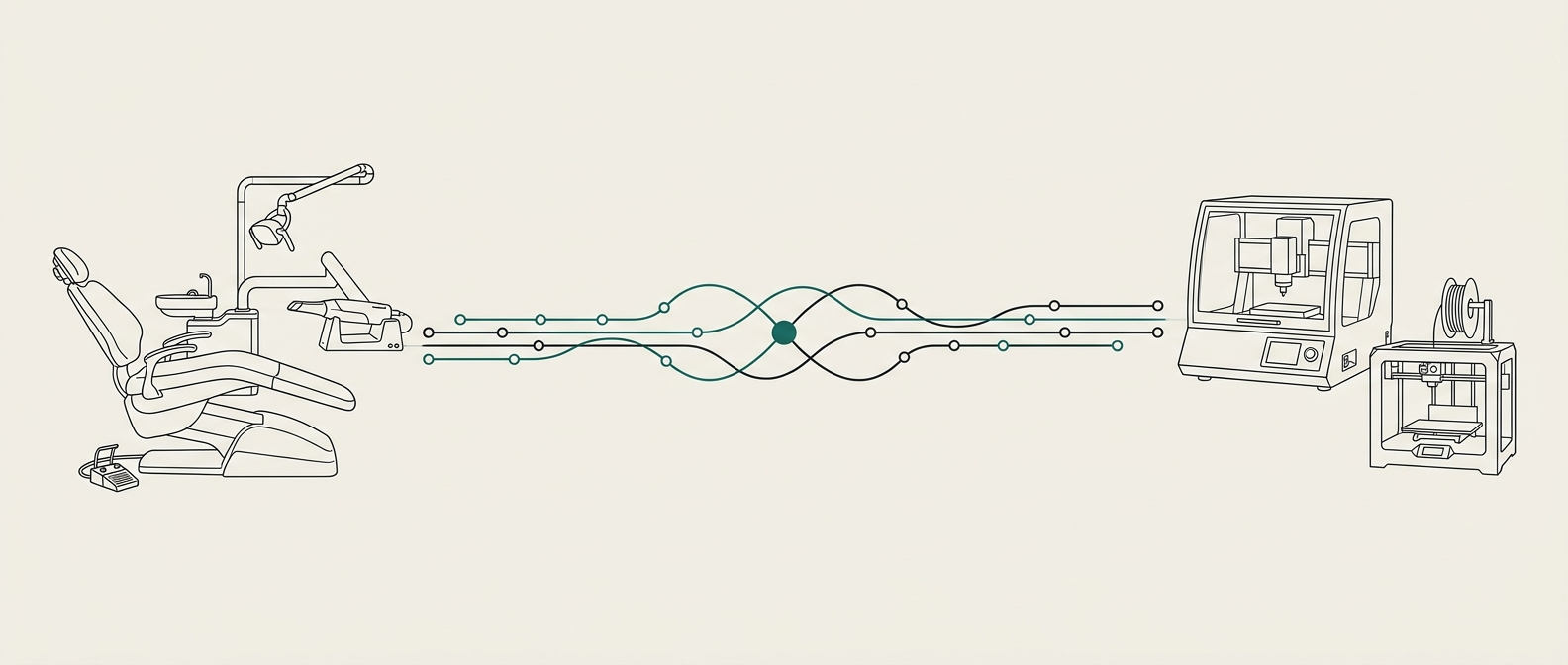
CAD/CAM moved capture from PVS to intraoral scan, design from wax to software, and production from casting to milling and printing. Every one of those steps is faster and more consistent than its analogue predecessor.
What did not move at the same pace is the handoff between steps. A scan still has to be interpreted; a design still has to reflect a specific patient's occlusion; a restoration still has to be checked before it is seated. Digital tools make each step better; they do not remove the need for someone accountable across all of them.
The real cost model
Practice owners typically price chair time around $100 per unit. Every adjustment appointment, every re-seat, every remake is that cost again — and it lands on scheduling, not just on the lab bill.
A useful comparison, per single-unit crown case, ignoring the initial appointment cost that is the same in both:
First-time fit
Adjustment loop
At roughly $100 per unit of chair time, the loop — not the lab fee — is the cost.
| Downstream chair cost | Adjustment-heavy loop | First-time-fit loop |
|---|---|---|
| Seat appointment | $100 | $100 |
| Adjustment / re-seat (30%–50% of cases) | $30–$50 blended | near zero |
| Remake cycle (5%–10%) | $10–$20 blended | rare |
| Effective per-unit chair cost | ~$140–$170 | ~$100 |
The lab invoice difference between the two loops is usually a few dollars. The chair-cost difference is 40% to 70%. First-time fit is a cost decision before it is a quality decision.
In-house milling: the honest checklist
The mill is the easy part. In-house CAD/CAM succeeds or dies on four things that are rarely on the sales sheet.
Worth pricing the alternative first: a printer costs materially less to enter than a mill and has no cutting-tool consumable, which is why dental 3D printing is usually the first production step a practice takes. Milling still wins on trueness and marginal fit for demanding restorative work — but models, guides, appliances and denture bases do not need a mill at all.
- Design skill. Someone in the practice designs, or reviews designs, every working day. Part-time design is where fit problems live.
- Staff training. Scan protocols, material handling, nesting and finishing are learned skills. Budget for 3–6 months to reach routine competence, not weeks.
- Materials discipline. Block inventory, sintering schedules, tool wear, coolant changes. Skipping any of these shows up in the restoration, not on the machine.
- QC ownership. A named person owns first-time fit and tracks adjustments back to their cause. Without this the same problems repeat quietly.
The third option: the connected loop
Between full in-house and full outsource sits a workflow most practices never explicitly design: keep the lab you trust, and add the parts of the loop that fail most often. Scan QC before the case leaves the office. On- demand CAD design when your lab or in-house designer is at capacity. One point of accountability when a case does not seat.
This is what Occlaris is built for. See our CAD design services, the broader digital dental lab guide and the implant libraries reference for how the pieces connect.
Same-day crowns without the hype
Same-day is a workflow before it is a machine. It requires: reliable margin capture on the first scan, designs the practice has agreed patterns for, materials in stock at the moment of the appointment, and a staff member whose schedule allows a 30–45 minute mill and finish without disrupting the next patient.
Practices that treat same-day as a marketing feature usually revert to next-day within a year. Practices that treat it as a workflow with defined limits — single units, specific material families, specific case types — keep it running for a decade.
Frequently asked questions
Is CAD/CAM dentistry worth it for a small practice?
Sometimes. A single-doctor practice doing fewer than roughly 8–10 restorations a week rarely covers the fixed cost of a mill plus training and materials. The economics improve with volume, hybrid workflows, or by using CAD/CAM through a partner lab rather than owning the full stack.
Should I design restorations in-house?
Design is the highest-skill part of the loop. Doing it in-house works when you have a designer who does it every day and a case volume that keeps them fluent. For overflow, complex cases, or practices without a full-time designer, on-demand CAD design is usually more consistent than a part-time in-house attempt.
What causes open contacts and adjustment-heavy seats with digital crowns?
Most often: scan quality at the margin, an under-specified contact strength in the design brief, or opposing-arch data that does not reflect the patient's actual bite. The mill is almost never the cause. Fixing the upstream steps fixes the seat.
Can I use CAD/CAM without replacing my lab?
Yes. Scan in-clinic, send the case digitally, and keep your existing lab for design and production. Adding a connective layer for scan QC, library verification and design-on-demand gives you the CAD/CAM benefits without buying a mill.